

Introduction to WordPress Blog
A WordPress Blog is one of the most powerful tools for sharing ideas, building a brand, or even generating income online. Whether you’re a beginner or an experienced creator, WordPress makes it easy to design, publish, and manage content efficiently.
What is a WordPress Blog?
A WordPress Blog is a type of website built with WordPress themes, a popular content management system that allows users to publish, organize, and manage content online with ease. It is commonly used for blogging, business websites, news platforms, portfolios, and even online stores. In simple terms, a WordPress Blog gives individuals and businesses a flexible way to share articles, updates, tutorials, opinions, and digital content without needing advanced coding skills.
What makes a WordPress Blog so popular is its balance of simplicity and power. Beginners can start with a basic setup, choose from thousands of WordPress themes, and publish posts from the user-friendly dashboard. At the same time, advanced users can customize nearly every part of the website using WordPress plugins, custom post types, shortcodes, and professional wordpress web design features. This makes WordPress suitable for both small personal blogs and large content-driven websites.
A WordPress Blog usually consists of regularly updated posts displayed in reverse chronological order, meaning the newest content appears first. These posts can be organized using categories and tags, which helps readers and search engines understand the structure of the site. WordPress also supports taxonomies, permalinks, and RSS feeds, making content easier to sort, share, and discover. This is one of the main reasons why WordPress remains a strong choice for content publishing and SEO optimization.
Another major strength of a WordPress Blog is the ability to control design and functionality. Site owners can choose from free or premium WordPress themes to create a unique look with responsive design, ensuring the blog works well on desktops, tablets, and smartphones. They can also improve features using widgets, page builders, and the modern Gutenberg editor, which makes content creation more visual and flexible. From layout changes to adding contact forms, image galleries, or email sign-up boxes, WordPress makes website customization straightforward.
A WordPress Blog is also ideal for long-term growth because it supports strong content strategy and search visibility. With the help of SEO plugins, optimized media, fast web hosting wordpress services, and clean permalink structures, bloggers can improve rankings in search engines and attract more organic traffic. Features such as the media library, comments moderation, user roles, and ongoing security updates also help site owners manage content safely and efficiently.
In today’s digital world, a WordPress Blog is more than just an online journal. It can serve as a brand hub, a marketing platform, a lead generation tool, or a trusted source of information in any niche. Whether someone wants to build a personal brand, educate an audience, or grow a business online, WordPress offers the tools needed to create a professional and scalable website. That is why so many creators, companies, and publishers continue to choose WordPress for modern wordpress website design and content publishing.
Why Choose WordPress as a Content Management System?
Why Choose WordPress as a Content Management System?
When it comes to building a website or launching a WordPress Blog, choosing the right content management system (CMS) is essential. WordPress stands out as one of the most trusted and widely used platforms in the world—and for good reason. It offers a powerful combination of ease of use, flexibility, scalability, and strong SEO optimization, making it an ideal choice for beginners, businesses, and professional developers alike.
One of the biggest advantages of WordPress is its user-friendly interface. The platform is designed so that anyone can create and manage content without needing coding skills. Through the intuitive dashboard, users can easily publish posts, upload files to the media library, and organize content using categories and tags. This simplicity lowers the barrier to entry while still offering advanced capabilities for those who want more control.
Another key reason to choose WordPress is its unmatched customization options. With thousands of available WordPress themes, users can create visually appealing websites that reflect their brand identity. Most themes are built with responsive design, ensuring your site looks great on mobile devices, tablets, and desktops. Additionally, advanced tools like page builders and shortcodes allow users to design pages with precision, even without technical expertise.
Functionality is where WordPress truly excels. The platform supports a vast ecosystem of WordPress plugins that extend your website’s capabilities. Whether you want to enhance SEO optimization, improve site speed, add contact forms, or strengthen security, there is a plugin available to meet your needs. This flexibility allows you to build a fully customized WordPress Blog tailored to your goals.
WordPress is also highly optimized for search engines. It supports clean and customizable permalinks, well-structured taxonomies, and seamless integration with SEO tools. These features make it easier for search engines to crawl and index your content. Combined with proper keyword usage and optimized media, WordPress provides a strong foundation for improving visibility and driving organic traffic.
Scalability is another important factor that makes WordPress a top choice. Whether you’re starting a small blog or planning a large content-driven website, WordPress can grow with you. Features like custom post types, flexible user roles, and advanced content structures allow your website to expand without limitations. This makes WordPress suitable for everything from personal blogs to complex business platforms.
Security and reliability also play a major role. WordPress is regularly updated with security updates to protect against vulnerabilities. When combined with secure web hosting wordpress services and proper maintenance practices, it provides a safe environment for your content and user data. Additionally, backup tools and monitoring plugins help ensure your website remains stable and protected.
Another reason many users choose WordPress is its strong global community. Because it is open-source, developers and contributors continuously improve the platform. This means you have access to extensive documentation, tutorials, forums, and professional support whenever needed. Whether you’re learning the basics or exploring advanced wordpress web design, help is always available.
Content creation is also streamlined with modern tools like the Gutenberg editor, which uses a block-based system to build posts and pages visually. You can easily add text, images, videos, and other elements without technical complexity. Features such as RSS feeds, comments moderation, and the media library further enhance content management and audience engagement.
In today’s digital landscape, flexibility and performance are critical. WordPress delivers both by combining powerful features with ease of use. From design customization and plugin integration to SEO and scalability, it provides everything needed to build and grow a successful WordPress Blog or website. That’s why WordPress continues to be the preferred content management system for millions of users worldwide.
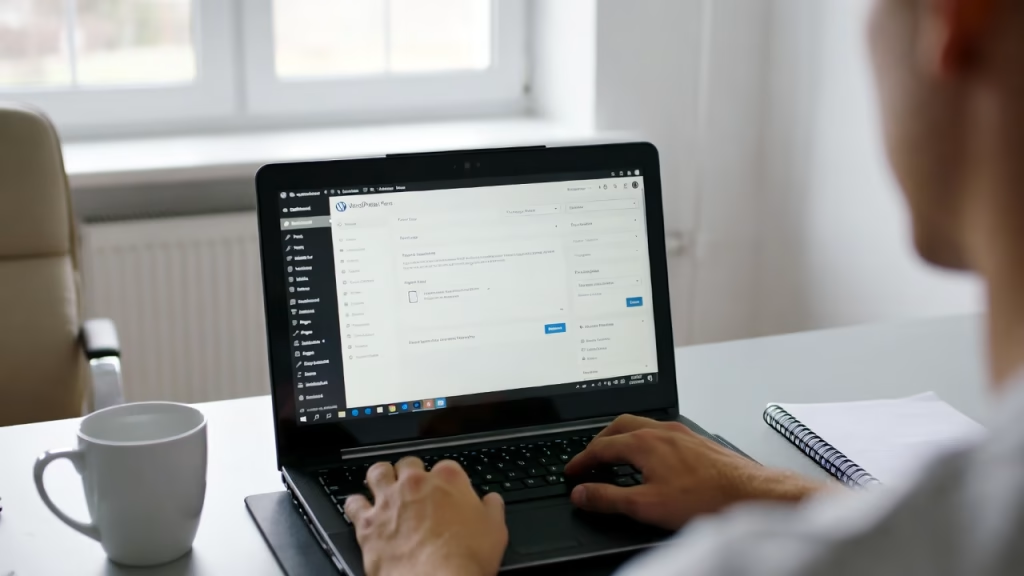
Setting Up Your WordPress Blog
Creating your WordPress Blog starts with the right foundation.
Choosing Web Hosting WordPress Solutions
Your hosting provider affects speed, security, and uptime. Look for:
- Fast loading speeds
- One-click WordPress installation
- SSL certificates
- Reliable customer support
Popular options include shared, VPS, and managed hosting.
Installing WordPress and Accessing Dashboard
Most hosts offer one-click installs. Once installed:
- Log in to your dashboard
- Configure basic settings
- Choose your site title and tagline
The dashboard is your control center.
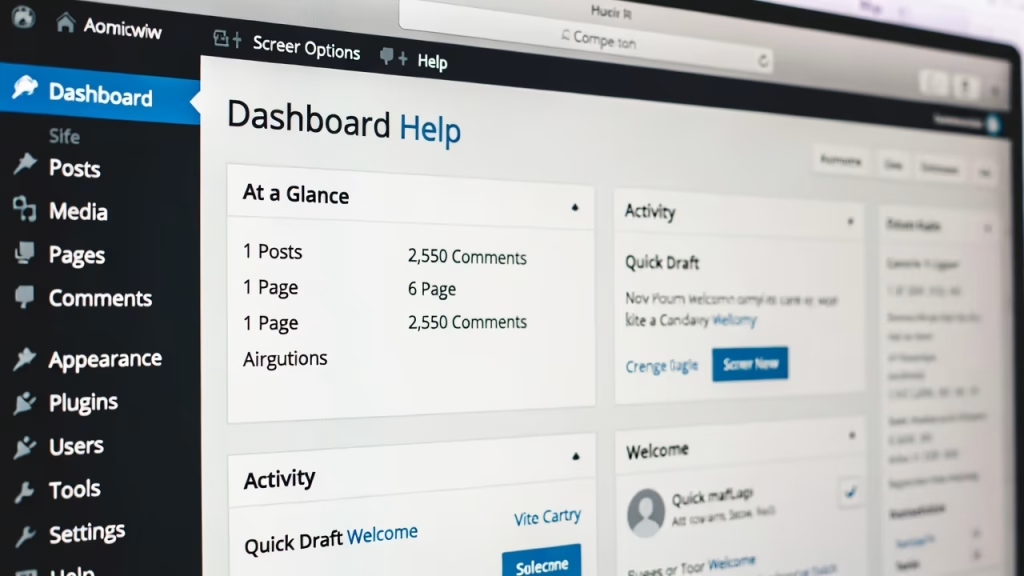
Understanding the WordPress Dashboard
The dashboard is where everything happens.
Key Features and Navigation
You’ll find:
- Posts and Pages
- Media Library
- Plugins and Themes
- Settings
It’s designed to be intuitive—even for beginners.
Managing User Roles and Permissions
WordPress allows multiple users with different roles:
- Administrator
- Editor
- Author
- Contributor
- Subscriber
This ensures secure and organized content management.
WordPress Themes and Design
Design plays a big role in user engagement.
Choosing Responsive Design Themes
A responsive theme ensures your site looks great on all devices. Key features include:
- Mobile compatibility
- Fast loading
- Clean layout
Customizing WordPress Website Design
You can customize:
- Colors
- Fonts
- Layouts
Use built-in tools or advanced page builders for more control.
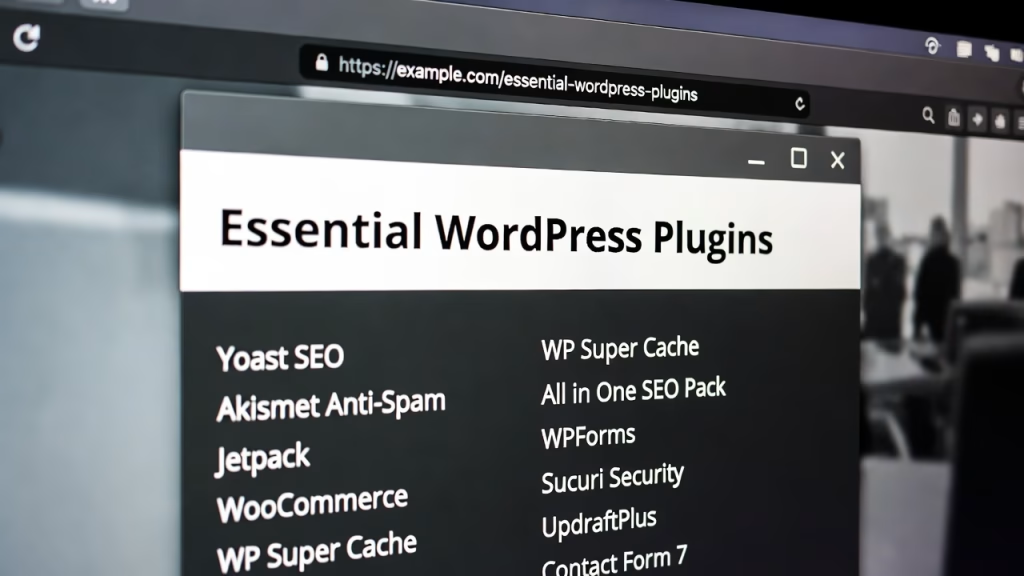
Essential WordPress Plugins
Plugins extend functionality and make your WordPress Blog more powerful.
SEO Optimization Plugins
These help improve rankings:
- Optimize keywords
- Generate sitemaps
- Improve readability
Security Updates and Backup Tools
Must-have plugins include:
- Security scanners
- Backup solutions
- Firewall protection
Regular updates keep your site safe.
Creating Content in WordPress
Content is the heart of your WordPress Blog.
Using Gutenberg Editor Effectively
The Gutenberg editor uses blocks to build content:
- Text blocks
- Image blocks
- Video embeds
It’s flexible and user-friendly.
Custom Post Types and Shortcodes
Custom post types allow unique content formats like:
- Portfolios
- Testimonials
Shortcodes simplify complex features.
Organizing Content
Good structure improves both UX and SEO.
Categories and Tags Explained
- Categories: Broad topics
- Tags: Specific keywords
Use them wisely to organize posts.
Taxonomies and Permalinks
Permalinks define your URL structure. Keep them:
- Short
- Keyword-rich
Taxonomies help classify content effectively.
Media Management
Visual content enhances engagement.
Using the Media Library
The media library stores:
- Images
- Videos
- Documents
Organize files for easy access.
Optimizing Images for SEO
Tips include:
- Compress images
- Use alt text
- Choose proper formats
This improves loading speed and rankings.

Enhancing User Experience
User experience keeps visitors coming back.
Widgets and Page Builders
Widgets add functionality like:
- Search bars
- Recent posts
Page builders allow drag-and-drop design.
Comments Moderation and Engagement
Manage comments to:
- Prevent spam
- Encourage discussion
Engagement builds community.
SEO Optimization for WordPress Blog
SEO is essential for visibility.
On-Page SEO Best Practices
Focus on:
- Keyword placement
- Meta descriptions
- Internal linking
Technical SEO and RSS Feeds
Technical aspects include:
- Site speed
- Mobile optimization
- RSS feeds for content distribution
WordPress Security and Maintenance
Security is non-negotiable.
Regular Updates and Monitoring
Always update:
- Themes
- Plugins
- Core WordPress
Backup and Recovery Strategies
Use automated backups to prevent data loss.
Monetizing Your WordPress Blog
Turn your blog into income.
Affiliate Marketing and Ads
Promote products and earn commissions.
Selling Products and Services
Sell:
- Digital downloads
- Courses
- Consulting services
Advanced WordPress Web Design
Take your blog to the next level.
Customization with Code
Use CSS and PHP for deeper customization.
Performance Optimization Techniques
Improve speed with:
- Caching
- CDN
- Image optimization
Common Mistakes to Avoid
Avoid these pitfalls.
Beginner Errors
- Ignoring SEO
- Using too many plugins
- Poor hosting choices
SEO and Design Pitfalls
- Slow loading pages
- Cluttered layouts
- Keyword stuffing
FAQs About WordPress Blog
Conclusion
A WordPress Blog is more than just a website, it’s a powerful platform for expression, business, and growth. With the right tools, strategies, and consistent effort, anyone can build a successful blog.
From choosing hosting to mastering SEO optimization, every step matters. Stay updated, keep learning, and most importantly—keep creating.