Introduction to WordPress Freelancing
In today’s digital economy, WordPress freelancing has become one of the most rewarding paths for web professionals. As businesses worldwide continue to seek dynamic online presences, freelancers skilled in website customization, theme design, and plugin integration are in high demand. WordPress, being the most popular content management system (CMS) globally, powers over 40% of all websites. This dominance makes it an ideal ecosystem for freelancers to thrive.
What WordPress Freelancing Involves?
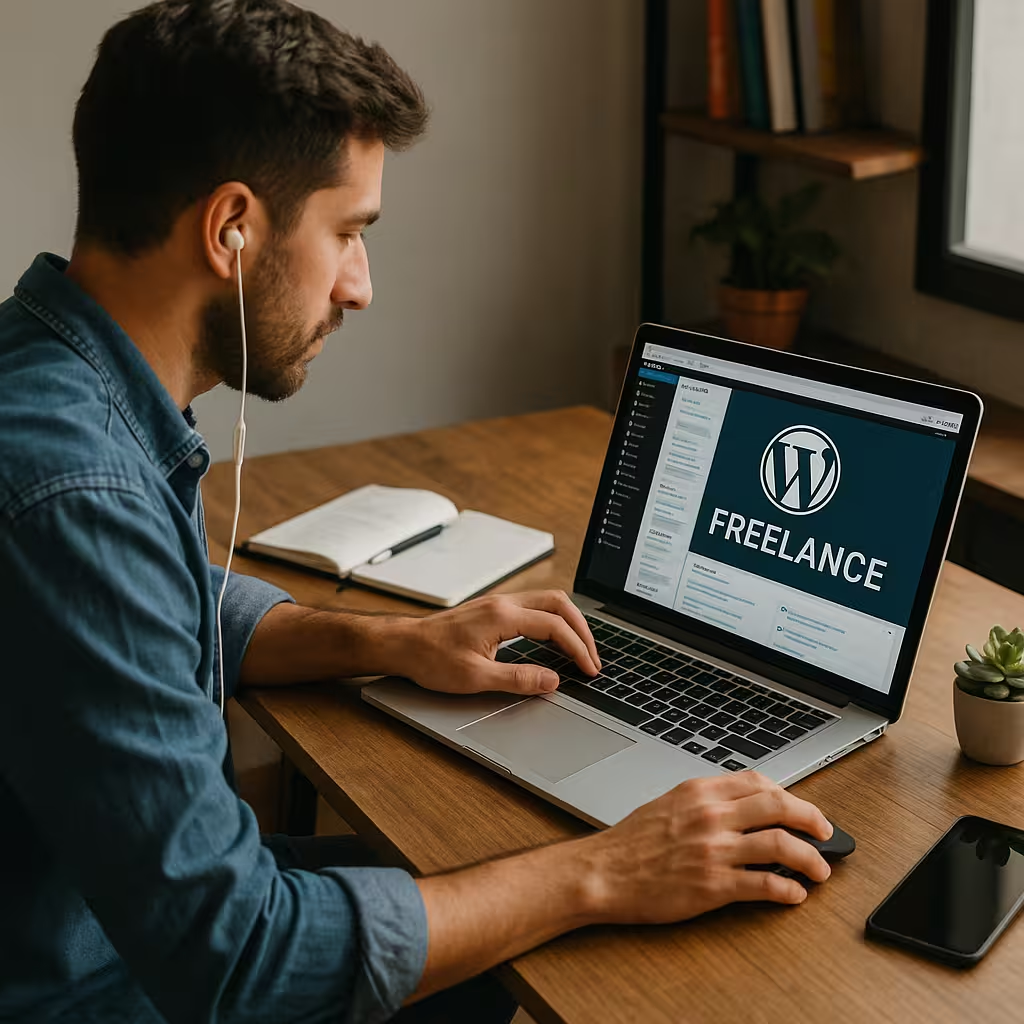
At its core, WordPress freelancing combines technical expertise, creative design, and client communication. Freelancers build, maintain, and optimize websites for individuals, startups, and large enterprises. The flexibility of remote work allows you to take on projects from anywhere, giving you control over your workload, pricing, and schedule.
Why WordPress is Ideal for Freelancers?
Unlike proprietary platforms, WordPress is open-source, meaning endless opportunities for customization. Whether it’s creating a unique theme design, adding a complex plugin integration, or enhancing SEO optimization, freelancers can tailor each project to the client’s needs. This versatility ensures continuous demand for skilled professionals.
Essential Skills Every WordPress Freelancer Needs
To succeed in freelance wordpress website development, you must develop a balanced mix of technical and soft skills.
Coding Skills and Technical Expertise
While you don’t need to be a full-stack developer, understanding HTML, CSS, JavaScript, and PHP is vital. These coding skills help you build responsive websites, troubleshoot issues, and customize existing themes and plugins effectively.
Website Customization and Theme Design
Clients often expect unique layouts that align with their branding strategies. Learning how to modify themes and utilize tools like Elementor or Gutenberg can make your projects stand out.
Plugin Integration and Maintenance
Plugins extend WordPress functionality — from contact forms to advanced eCommerce features. Knowing how to integrate and maintain them ensures a smooth and secure website experience for users.
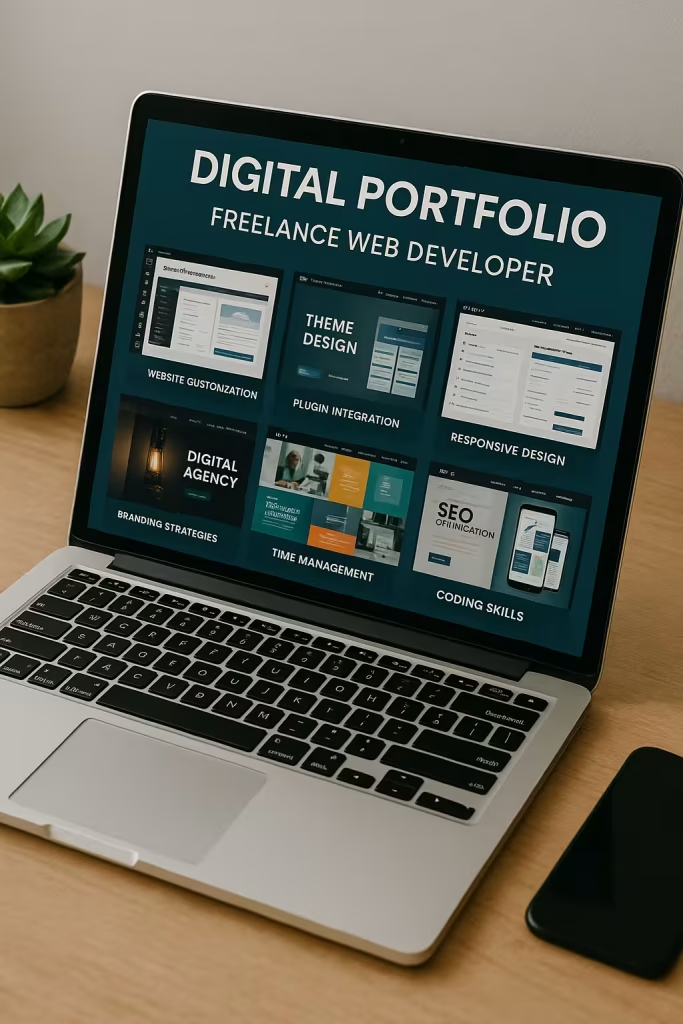
Building a Strong Digital Portfolio
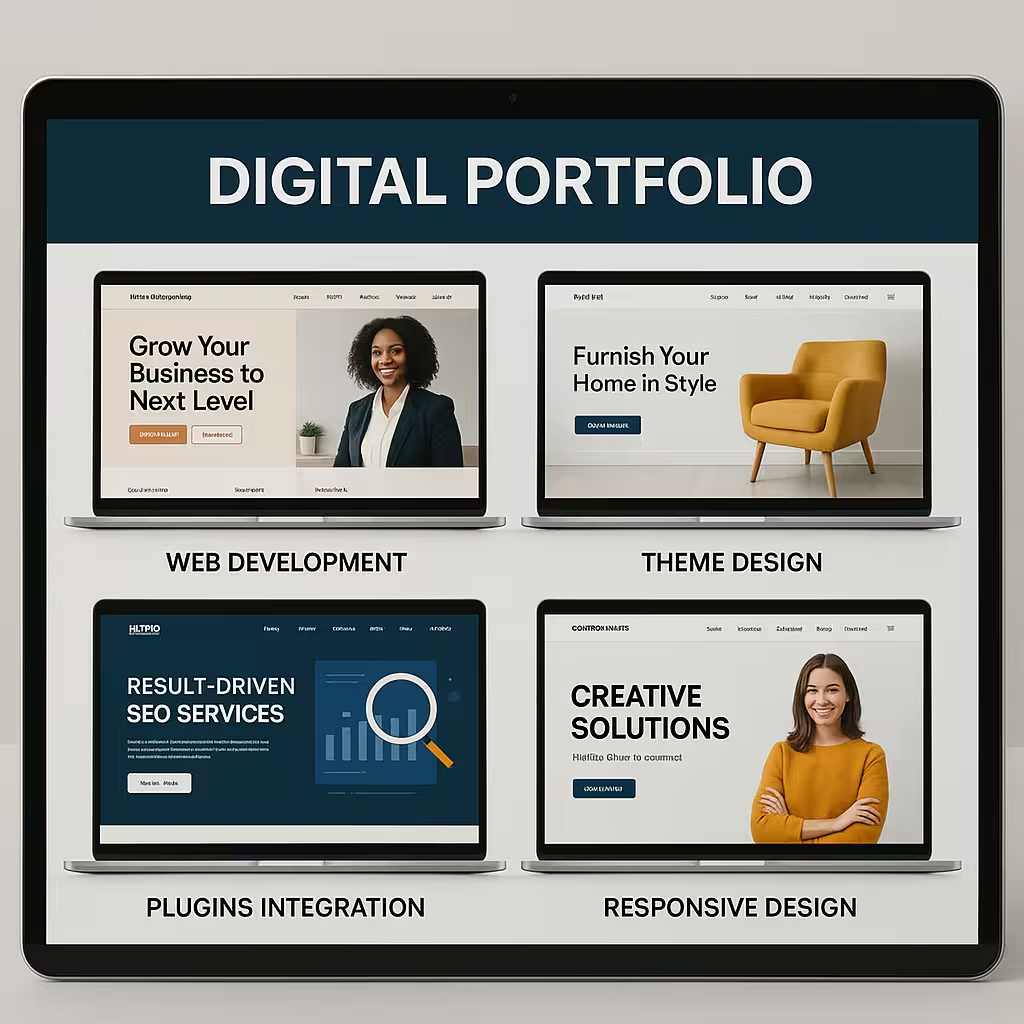
Your digital portfolio is your professional identity online. It’s where potential clients gauge your expertise and style.
Showcasing Responsive Design Projects
Include examples of websites that demonstrate responsive design and adaptability across devices. Highlight before-and-after scenarios to show your impact.
Highlighting SEO Optimization and Content Management Skills
Clients value freelancers who understand both the technical and strategic sides of web development. Display projects where you’ve improved site speed, SEO rankings, and content management workflows.
Setting Up Your Freelance Business
To transition from hobbyist to professional, you need to structure your business properly.
Choosing Your Niche in Freelance WordPress website Development
Specialization helps you stand out. You might focus on eCommerce, blogs, membership sites, or corporate portfolios.
Branding Strategies for WordPress Freelancers
Create consistent visual branding — logo, color palette, and typography — across your website, social media, and proposals. This reinforces professionalism and trust.
Finding and Managing Clients
Client relationships are the foundation of freelance success.
Client Communication Techniques
Communicate clearly, set expectations early, and use tools like Slack or Trello for collaboration. Transparency builds lasting trust.
Contract Negotiation and Project Management
Always use written contracts outlining deliverables, payment schedules, and revisions. Effective project management ensures deadlines are met and scope creep is avoided.
How to Time Management for WordPress Freelancers
Mastering your schedule can make or break your success in WordPress freelancing. Balancing multiple projects, clients, and deadlines requires precision.
Creating a Productive Remote Work Routine
When you’re working remotely, it’s easy to blur the line between work and rest. Create structure by setting dedicated work hours and taking intentional breaks. Tools like Notion, ClickUp, and Google Calendar can help you organize your workflow.
Tools to Streamline WordPress Projects
Automate repetitive tasks with tools like WP-CLI, ManageWP, or MainWP. Use project tracking apps to manage milestones and communicate effectively with clients — this is where your project management and time management skills shine.
Pricing Your WordPress Freelance Services
Pricing is one of the trickiest aspects of freelancing — but it’s also one of the most powerful ways to position yourself in the market.
Hourly vs Project-Based Rates
Hourly pricing is best for ongoing maintenance work, while project-based rates suit larger builds like website customization or theme design. The key? Know your worth, and don’t undercut yourself.
How to Offer Packages and Upsells
Create service tiers — for example, a “Starter” package with setup and basic design, a “Pro” package with SEO optimization, and a “Premium” package with branding and content strategy. Upsells like maintenance plans, content updates, and security monitoring help create recurring income.
Best Platforms to Find WordPress Freelance Jobs
Even the most talented freelancers need a place to start.
Upwork, Fiverr, and Other Marketplaces
Platforms like Upwork, Fiverr, and Toptal connect freelancers with clients around the globe. While competition is high, a polished digital portfolio and positive reviews can quickly set you apart.
Networking and Referrals
Nothing beats word-of-mouth. Engage in Facebook groups, LinkedIn communities, and local business meetups. Satisfied clients often become your best marketing agents.
Delivering Quality Work and Building Trust
Long-term success in WordPress freelancing isn’t about quick gigs — it’s about relationships.
Consistent Branding and User Experience
Ensure every site you build reflects quality and consistency. Use style guides and brand kits to align with your client’s identity.
Client Feedback and Long-Term Relationships
Always ask for testimonials and case studies after successful projects. It not only enhances your credibility but also attracts higher-value clients.
Advanced Strategies for Growing Your Freelance Business
Once you’ve built a steady flow of clients, it’s time to scale smart.
Scaling with Subcontractors
Hiring other freelancers to handle smaller tasks lets you focus on high-value strategy work. This turns your solo gig into a micro-agency.
Offering Maintenance Plans and Retainers
Monthly retainers for updates, backups, and SEO optimization ensure recurring income while keeping client sites secure and efficient.
The Role of SEO Optimization in WordPress Freelancing
SEO isn’t optional — it’s a must-have.
Optimizing Client Websites for Search Engines
Use plugins like Rank Math or Yoast SEO to fine-tune on-page optimization. Proper metadata, schema markup, and internal linking can drastically boost visibility.
Using Analytics to Measure Success
Track progress with Google Analytics and Search Console. Show clients measurable results — it’s the ultimate trust-builder and upsell tool.
Content Management and User Experience
The content management process defines how clients interact with their website post-launch.
Using WordPress CMS Effectively
WordPress’s flexibility allows you to create custom dashboards, making it easy for non-tech clients to update content.
Balancing Design with Functionality
A stunning design means nothing if the site is slow or clunky. Keep responsive design principles in mind and always test across devices.
Common Challenges in WordPress Freelancing
Even seasoned pros face bumps in the road.
Managing Difficult Clients
Not every client will be easy to work with. Stay calm, stay professional, and use clear contracts to protect your boundaries.
Handling Multiple Projects Efficiently
Juggling several websites at once can be chaotic. Use templates, task automation, and efficient time management practices to keep everything on track.
Future Trends in WordPress Freelancing
The future of freelancing is looking bright — and fast-paced.
AI Tools and Automation
Artificial Intelligence is changing the way we work. Tools like Elementor AI and ChatGPT can assist with copywriting, code generation, and even design concepts.
New Design Trends and Performance Enhancements
Expect to see more minimalist interfaces, dynamic animations, and faster-loading sites using headless CMS setups and serverless technologies.
FAQs About WordPress Freelancing
1. How do I start my WordPress freelancing career?
Start by learning the basics of WordPress, creating a few demo sites, and building a digital portfolio. Then, join freelance platforms or pitch small businesses directly.
2. How much can I earn as a WordPress freelancer?
Beginners may earn $20–$40/hour, while experienced freelancers can command $80–$150/hour depending on skills like SEO optimization, theme design, and plugin integration.
3. Do I need to know how to code to freelance in WordPress?
Not necessarily — but understanding basic coding skills (HTML, CSS, PHP) will give you a competitive edge.
4. How do I handle difficult clients or delayed payments?
Use contracts and request partial payments upfront. Maintain professional client communication and set clear project expectations.
5. What’s the best way to find high-paying clients?
Build credibility through testimonials, case studies, and personal branding. Niche specialization and excellent reviews attract premium clients.
6. How do I balance multiple projects at once?
Use project management tools like Asana or Trello, and dedicate focused time blocks for each client.
Conclusion
WordPress freelancing is more than just a side hustle — it’s a full-fledged career path that offers creative freedom, financial independence, and global opportunities. By mastering client communication, refining your technical skills, and investing in smart branding strategies, you can build a career that’s both profitable and fulfilling.
With the right mix of passion, consistency, and strategic thinking, your WordPress freelancing journey in 2025 can become the dream job you design — literally.