
Why Every WordPress Website Developers Need Google Search Console?
For freelance WordPress website developers, mastering Google Search Console (GSC) is no longer optional, it’s essential. This free tool from Google helps developers analyze website performance, optimize SEO visibility, and ensure that every webpage is properly indexed. Whether you’re managing a small business website or building complex WordPress solutions for clients, GSC acts as your SEO control room.
Freelancer WordPress website developers often juggle multiple projects, and staying on top of search visibility, indexing errors, and performance metrics can feel overwhelming. That’s where GSC shines. It simplifies technical audits, keyword tracking, and website optimization. By combining content strategy with technical insight, WordPress professionals can elevate user experience and achieve consistent organic growth.

Understanding Google Search Console: The Backbone of SEO Tools
Google Search Console is a vital part of every WordPress developer’s toolkit. It offers deep insights into how a site performs in search results, detects technical issues, and tracks keyword performance. For developers, it’s not just a reporting tool. It’s a guide for continuous improvement.
Setting Up Google Search Console for Your WordPress Website
Before diving into analytics, you must verify ownership of your website in GSC. You can do this using one of several verification methods, such as uploading an HTML file, adding a DNS TXT record, or using the Google Analytics tracking code.
Once verified, connect GSC to your Google Analytics account for a unified view of visitor behavior, search queries, and engagement metrics. This integration helps you understand how SEO performance translates into real user activity, critical for any professional WordPress website developer.
Analyzing Search Appearance and Indexing Status
Knowing how your WordPress website appears in Google’s search results is vital. The Search Appearance section shows how your titles, meta descriptions, and rich results display to users. As a developer, you can use this insight to enhance structured data, improve content snippets, and drive higher click-through rates (CTR).
Do freelance WordPress website developers inspect URLs for Index Errors?
Yep. The URL Inspection tool helps WordPress website developers ensure each page is correctly indexed. If a URL isn’t in Google’s index, GSC provides detailed reasons ranging from crawl errors to noindex tags and offers guidance for resolution.
Fixing Coverage Issues in GSC
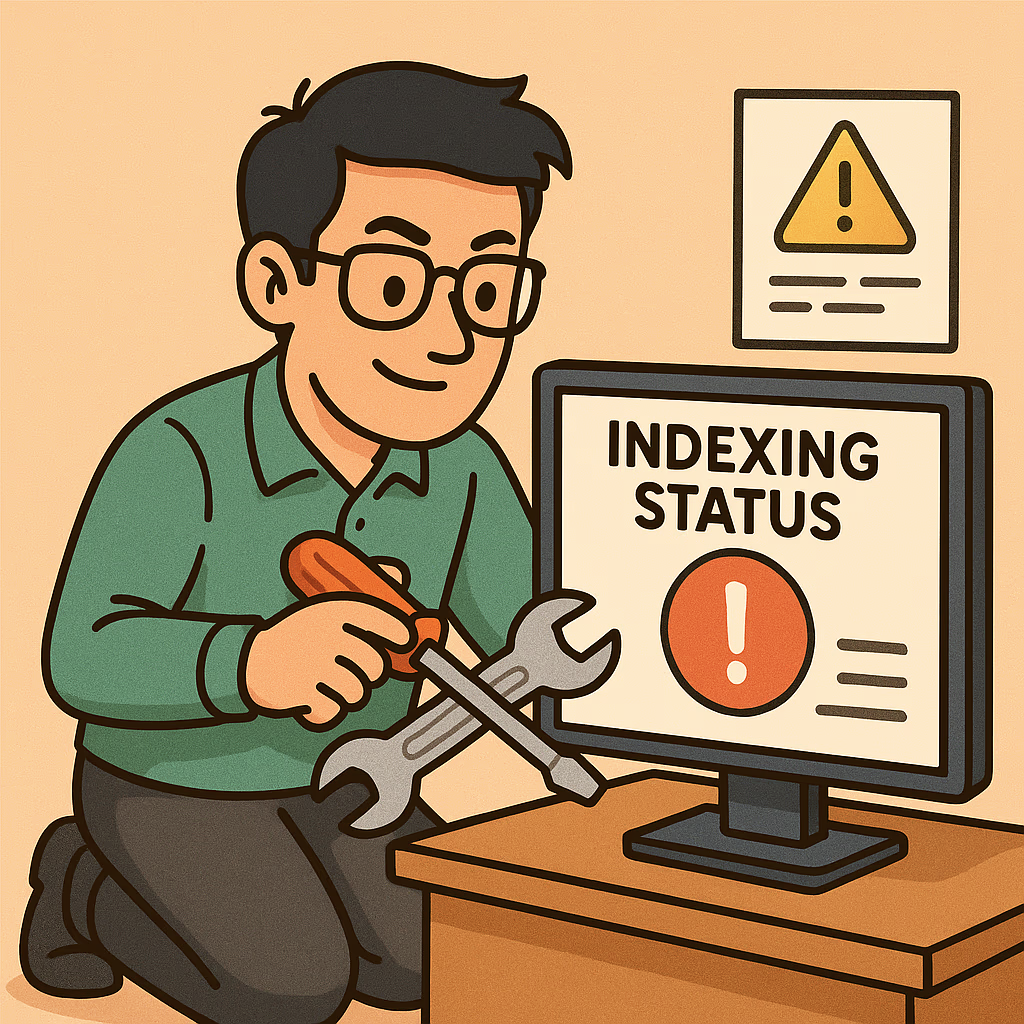
Coverage reports help track which pages are successfully indexed and which have errors. Freelance WordPress website developers can identify 404 pages, redirects, and server issues ensuring a smooth crawl path for search bots and users alike.
What is Optimizing Performance Site Speed, Mobile Usability, and Core Web Vitals for WordPress website developers?
Performance optimization directly impacts SEO rankings and user satisfaction. Through GSC’s Core Web Vitals report, WordPress website developers can track key metrics like Largest Contentful Paint (LCP), First Input Delay (FID), and Cumulative Layout Shift (CLS).
Improving Site Speed through Backend Programming
A skilled WordPress website developer can improve site speed by optimizing code, minimizing HTTP requests, leveraging caching plugins, and using a Content Delivery Network (CDN). Regularly analyzing load time ensures better performance scores and improved user retention.
Mobile Usability and Responsive Design Insights
Google’s mobile-first indexing means your site must perform flawlessly on all devices. GSC’s Mobile Usability report identifies layout issues, clickable element overlaps, and font-size problems allowing developers to maintain a responsive and accessible design.
Keyword Analysis and Performance Monitoring for WordPress webiste Developers
Keyword performance defines your site’s organic success. GSC provides valuable data on impressions, clicks, average position, and CTR helping developers assess which queries drive the most traffic.
Identifying Top-Performing Pages and Queries
By filtering queries in the Performance tab, freelancers can identify which pages perform best in search. Tracking this data helps refine content strategy and guide future optimization efforts.
Content Strategy Based on Keyword Insights
Combine keyword insights with content management systems (CMS) like WordPress to enhance SEO. Adjust meta tags, headings, and internal linking structures to improve relevance and search ranking.
Tracking Backlinks and Off-Page Signals
Off-page SEO remains a major ranking factor, and Google Search Console helps freelance developers monitor backlinks effectively. Backlinks act as digital endorsements the more credible and relevant they are, the stronger your site’s authority becomes.
Evaluating Link Quality
Not all backlinks are created equal. Through GSC’s Links report, developers can identify which sites are linking to their content and evaluate their domain authority. If a link appears from a low-quality or spammy domain, developers should consider disavowing it using Google’s Disavow Tool.
Regular link audits help maintain a healthy off-page SEO profile, protecting your website from algorithmic penalties.
Building a Strong Backlink Profile
Freelance developers can strengthen their backlink portfolio through strategies such as:
- Guest posting on reputable blogs related to WordPress or development.
- Creating shareable content, like tutorials, infographics, or code snippets.
- Networking with other developers or content creators for natural link exchange.
Strong backlinks improve search visibility and trust signals, ultimately driving more traffic to client websites.
Using Google Search Console for Technical Audits
For a freelance WordPress website developer, technical SEO audits are crucial. GSC offers a clear window into how Google perceives your site, helping developers spot problems before they impact rankings.
Detecting Crawl Errors and Sitemap Issues
A common mistake developers make is neglecting XML sitemaps or misconfiguring robots.txt files. GSC’s Crawl Stats report shows how frequently Googlebot visits your site and identifies issues such as blocked URLs or inaccessible pages.
Make sure every sitemap submitted is clean, up-to-date, and includes only canonical URLs. Regular monitoring ensures all key pages are indexed and optimized for performance.
Enhancing Security and Fixing Manual Actions
GSC also notifies developers of manual actions, malware infections, or security breaches. Acting quickly to resolve these protects your client’s reputation and prevents ranking drops.
Adding SSL certificates, performing regular technical audits, and keeping plugins updated are simple yet powerful ways to safeguard both the website and user data.

Integrating Plugin Tools for Easier SEO Management
WordPress developers can simplify their GSC workflow through plugin integration. Modern SEO plugins now integrate directly with GSC, making it easier to access insights from within the WordPress dashboard.
Plugin Integration for WordPress Website Developers
Top plugins like Rank Math, Yoast SEO, and All-in-One SEO allow direct integration with GSC data. This means you can monitor clicks, impressions, and keywords without leaving your admin panel. WordPress website Developers can also use REST APIs or custom dashboards to display GSC data for clients a professional touch that enhances transparency.
Automation in SEO Tracking
Automation tools such as Zapier, Google Data Studio, and Ahrefs API can extract GSC data and create automated SEO performance reports. This saves freelancer WordPress website Developers valuable time, allowing them to focus on optimization and client growth instead of repetitive monitoring tasks.
Developing a Freelance Workflow Around Google Search Console
A successful freelance WordPress website developer knows that workflow efficiency equals profitability. By integrating GSC into your daily process, you can streamline reporting, maintain quality, and ensure all client sites remain SEO-healthy.
Client Reporting with GSC Data
Clients love tangible results. Use GSC’s Export Reports function to generate PDF or spreadsheet-based summaries of key metrics like impressions, average position, and click-through rates. Combine this with your content strategy insights to demonstrate real progress.
Scheduling Regular Performance Reviews
Set a routine monthly or quarterly, to review site performance using GSC. Identify pages that lose traction, keywords that drop in rankings, and opportunities for new content. This proactive approach builds client trust and reinforces your role as a technical SEO specialist.

Common Mistakes WordPress Website Developers Make in Google Search Console
Even skilled WordPress website developers can make missteps. Avoid these frequent pitfalls:
- Ignoring Indexing Issues – Pages left unindexed can harm visibility.
- Overlooking Mobile Usability Reports – Mobile errors are ranking killers.
- Submitting Incorrect Sitemaps – Outdated or redundant URLs confuse crawlers.
- Neglecting Security Warnings – Always act fast on manual actions.
- Failing to Use Performance Data – Metrics are meaningless if not acted upon.
By avoiding these errors, freelance developers can maintain high-performing, secure, and search-optimized websites.
FAQs About Google Search Console for WordPress Website Developers
1. Is Google Search Console free to use for WordPress website developers?
Yes, GSC is completely free and invaluable for monitoring your website’s SEO health, indexing, and visibility in Google Search.
2. How often should I check my client’s website in Google Search Console?
It’s best to check weekly for new performance trends, and monthly for deeper technical audits or indexing reviews.
3. Can I integrate Google Search Console directly into WordPress?
Absolutely! Tools like Rank Math or Yoast SEO can sync directly with your GSC data for on-dashboard insights.
4. How can I fix indexing issues quickly?
Use the URL Inspection tool to request reindexing after fixing any technical or content-related issues. Google typically reprocesses it within days.
5. Why are my pages showing “Discovered – not indexed”?
This usually means Google found the pages but hasn’t crawled them yet due to low priority or site crawl limits. Improve internal linking and ensure sitemaps are updated.
6. Can GSC help with improving my WordPress website speed?
Indirectly, yes. GSC’s Core Web Vitals report helps identify issues that slow down your site, allowing you to optimize load times through caching and code improvements.
Elevate Your Freelance Career with Google Search Console Mastery
In today’s competitive digital world, Google Search Console is more than an SEO tool, it’s a roadmap for success. For any freelance WordPress website developers, mastering GSC means understanding the full picture of site performance, visibility, and technical health.
From identifying indexing errors to optimizing for Core Web Vitals, GSC empowers you to take proactive control of your client projects. By leveraging this data-driven approach, WordPress website developers can deliver measurable SEO results, enhance site security, and strengthen long-term client relationships.
So, whether you’re debugging crawl issues or tracking keyword trends, remember this: mastering GSC isn’t just about websites, it’s about building your reputation as a reliable, data-driven developer who turns performance insights into tangible results.